

Notifications you won't miss
New chats, customer messages and team alerts pop up as your computer's own notifications, and the app's icon asks for your attention until you look.
Nossic Service and Nossic CRM
The Nossic app puts Nossic Service and Nossic CRM on your desktop. It sits in the tray, so new chats and tickets reach you straight away as system notifications, even with your browser closed. Sign in with your Nossic ID and everything is there.
Windows and Linux now. Coming soon Mac, iPhone and Android.
 Nossic– ▢ ✕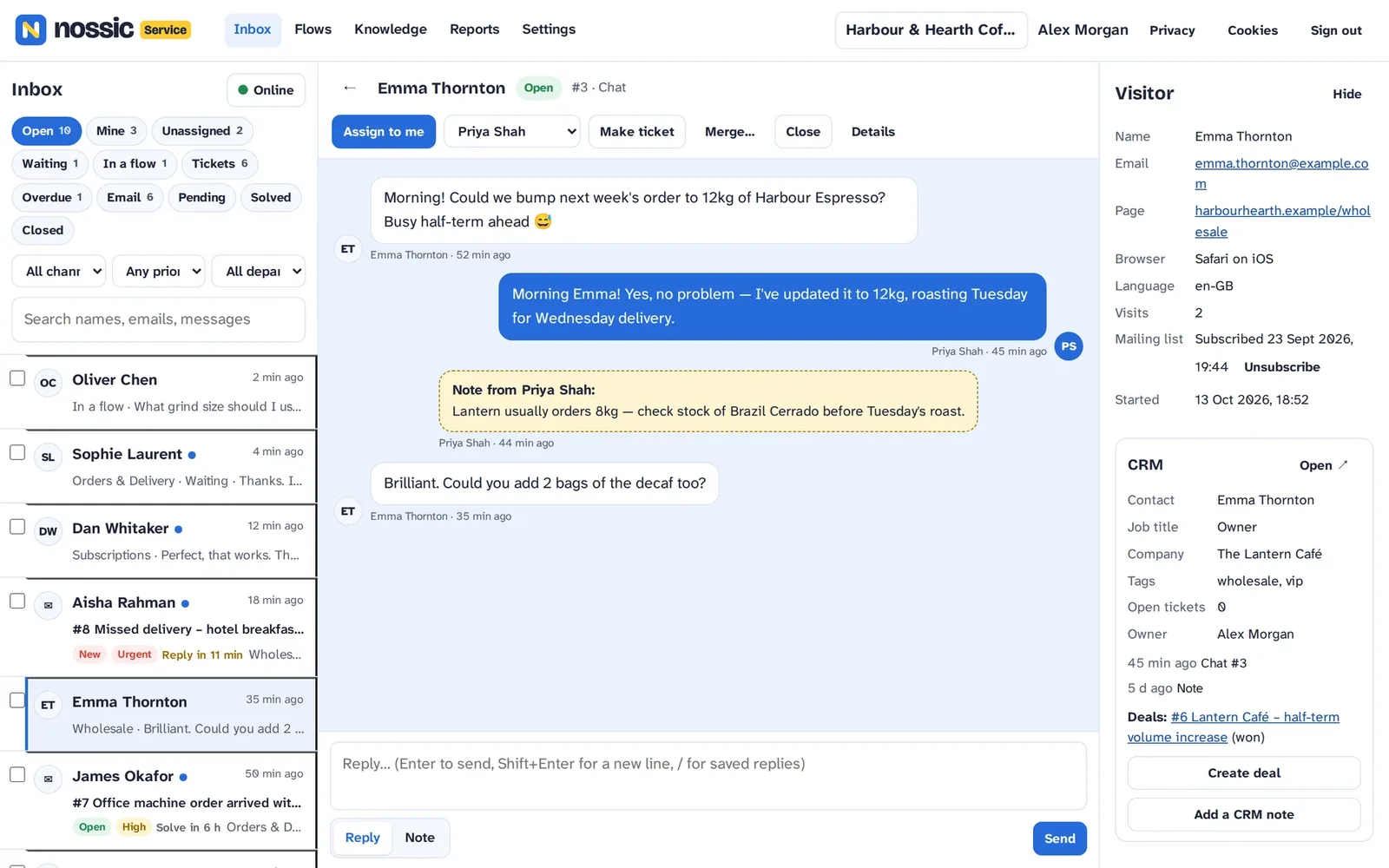
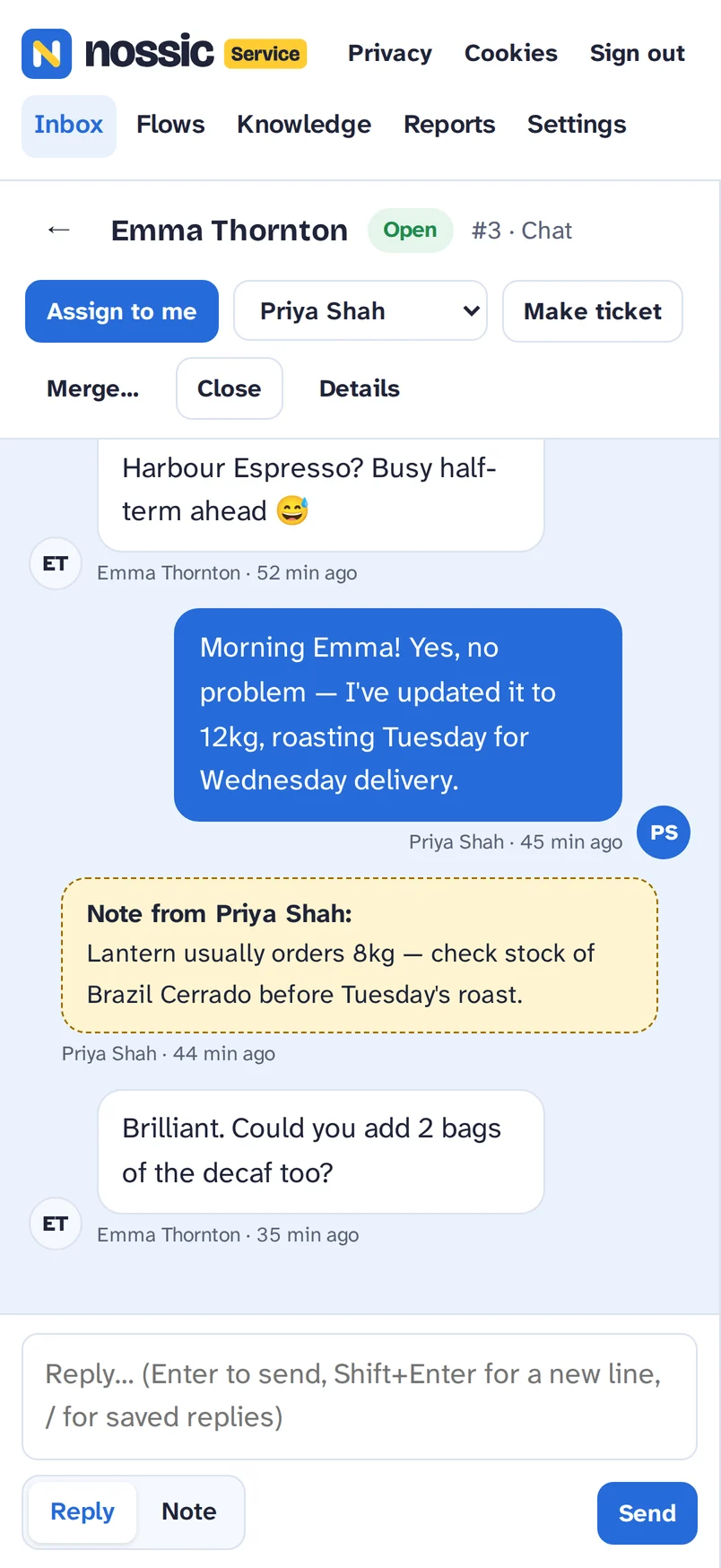
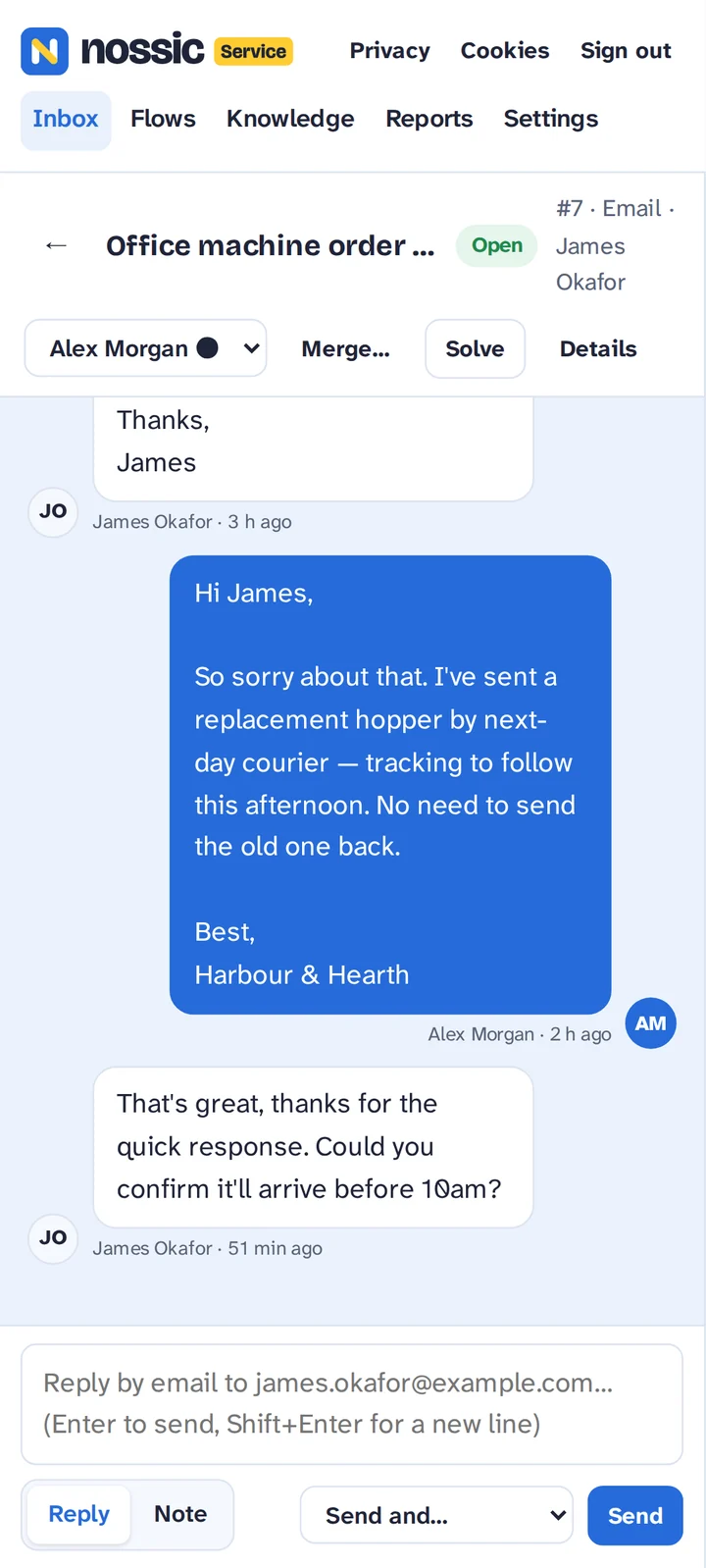
The app shows the same Nossic Service and Nossic CRM you use on the web, so every feature is there from day one. It adds what a browser tab can't.
New chats, customer messages and team alerts pop up as your computer's own notifications, and the app's icon asks for your attention until you look.
Close the window and Nossic keeps running in the tray, with the number of unread conversations on its icon, so nothing waits for you to open a tab.
Silence notifications whenever you like, or every night with quiet hours (22:00 to 07:00). Chats still arrive; they just wait quietly.
Turn on start at login and Nossic is ready in the tray as soon as you sign in to your computer.
Your inbox, cases and flows in Nossic Service, and your contacts, companies and deals in Nossic CRM, with one sign-in.
Files you download go to your Downloads folder, and links to other websites open in your normal browser.
Free, version 1.0.1. Sign in with your Nossic ID; you need a Nossic Service or Nossic CRM workspace to use it.
Windows 10 and 11.
Download forWindowsFor IT teams: the .msi installer. The first time, Windows may warn that the app is from an unknown publisher: choose More info, then Run anyway.
64-bit (x86_64) Linux with a desktop. Best installed from our package repository, so it updates with your system.
Download theAppImageOr as a .deb (Debian, Ubuntu, Mint) or an .rpm (Fedora, RHEL).
The Mac app and the phone apps, with push notifications on your phone, are on their way.
Check your download against the SHA-256 checksums.
Add the Nossic package repository once and new versions of the app arrive with your normal updates. Every package is signed with the Nossic key. Full instructions and the key are at apt.os.nossic.uk.
$ curl -fsSL https://apt.os.nossic.uk/nossic.gpg | sudo tee /usr/share/keyrings/nossic.gpg >/dev/null
$ sudo curl -fsSLo /etc/apt/sources.list.d/nossic.sources https://apt.os.nossic.uk/nossic.sources
$ sudo apt update && sudo apt install nossic$ sudo curl -fsSLo /etc/yum.repos.d/nossic.repo https://apt.os.nossic.uk/nossic.repo
$ sudo dnf install nossicNossic OS, our Linux desktop, comes with the Nossic app and the repository built in. It's pinned to the taskbar from the first boot and updates with the rest of the system.
Get Nossic OSOn Arch Linux, see apt.os.nossic.uk for pacman.
Yes. The app is free. You use it with your Nossic Service or Nossic CRM workspace.
Yes, you sign in with your Nossic ID, the same as on the web. It's free to make one.
On Linux, if you installed it from the package repository or use Nossic OS, updates arrive with your normal system updates. On Windows, and with the AppImage, download the new version from this page and install it over the old one; your settings are kept.
No: it shows the same Nossic Service and Nossic CRM pages, so you get every new feature at the same time. The app adds notifications, the tray icon, Do not disturb, quiet hours and start at login.
The app keeps only its notification settings on your computer. Everything else works as it does in the browser; see our privacy notice.
Soon. They'll appear on this page as soon as they're ready.
Download the Nossic app and new chats find you, wherever you are on your computer.
Download Nossic